

Three things happened to WordPress in the first half of 2026, and most theme roundups you will find were published before any of them.
WordPress 7.0 shipped on May 20 with a rebuilt admin interface and an iframed editor that changes how some themes render. Divi rewrote its entire builder from scratch and cut its JavaScript payload by roughly 84 percent. And for the first time since 2018, WordPress skipped its annual default theme, so there is no Twenty Twenty-Six and will not be one.
Any list that does not account for those three things is describing WordPress as it was in January.
Below are thirty themes worth considering in 2026, grouped by what you are actually building. Each entry covers what the theme does well, what it costs, how it behaves on performance, and where it will frustrate you. That last part matters most, because every theme on this list is good at something and every theme on this list is wrong for somebody.
How These Themes Were Judged
Being direct about method: this is a research roundup, not a lab test. The performance characterizations below come from published benchmark studies, vendor documentation, and the themes’ own technical specifications, not from a testing rig running on identical hardware.
That matters because a lot of theme roundups present numbers with a confidence nobody has earned. You will see the same theme called the fastest available and comfortably mid-pack in two articles published the same month. Both authors ran real tests. They just ran different ones.
So where a specific figure appears below, it is attributed. Where a theme is described as lightweight or heavy, that reflects the consistent direction of multiple independent tests rather than one number pulled from one run.
On prices. Figures below were checked in July 2026 and theme pricing changes often, sometimes several times a year. Verify on the developer’s own page before you buy. Every theme links to its official source at the end of its entry.
One licensing trap worth knowing. Themes sold through ThemeForest are licensed per website. A $59 theme across four sites is $236, while GeneratePress Premium at $59 a year covers hundreds. If you build more than one site, that difference outweighs almost every feature comparison on this page.
What Changed in WordPress This Year
Skip this section if you already track WordPress releases. If you do not, it explains why several long-standing recommendations no longer hold.
WordPress 7.0 arrived in May, not April
WordPress 7.0, codenamed Armstrong, was scheduled to launch on April 9 alongside WordCamp Asia. The release squad pushed it back roughly six weeks after real-time collaboration hit an architectural problem deep enough that the release returned from Release Candidate status to beta, something that had not happened before.
It shipped on May 20 without real-time collaboration, which moved to a later release. The WordPress developer blog documented the reversal at the time. What did ship is still substantial: a modernized admin built on DataViews, a command palette, a dedicated font management screen, and the first AI infrastructure in core through the AI Client and Abilities API.
The part that affects theme choice is quieter. The iframed editor changes how editor styles render, and themes that were sloppy about editor styling now look wrong in the editor even when the front end is fine. Themes maintained by active teams have already patched this. Abandoned ones have not, and will not.
There is no Twenty Twenty-Six
Since 2010, WordPress has shipped a new default theme nearly every year. 2018 was the only exception, until now.
WordPress 6.9 shipped in December 2025 without one, and WordPress 7.0 did the same. The core team’s reasoning was that block themes have matured enough that the annual default no longer needs to exist as a teaching tool. Twenty Twenty-Five, released back in November 2024, remains the current default and is still the theme you land on in the official theme directory. A Twenty Twenty-Seven has been announced with a lead designer named and a call for contributors open.
Practical consequence: if you were waiting for the new default theme before starting your site, stop waiting. Twenty Twenty-Five is what you get, and it is genuinely fine.
Divi rebuilt itself and the old criticism expired
For years the standard advice about Divi was to avoid it on performance grounds. That advice was correct and it is now out of date.
Divi 5 launched on February 26, 2026 after more than a year of public beta. It is a complete React-based rewrite that abandons the old shortcode system entirely. According to Elegant Themes, the JavaScript bundle dropped from 276 KB to 45 KB and server processing improved by 40 to 80 percent.
You will still find articles written in 2025 telling you Divi is slow. They were right when they were written. If you are evaluating Divi today, evaluate Divi 5.
The Speed Question, Answered Honestly
Before the list, something you need to understand, because it will save you from a lot of bad advice.
Published speed benchmarks for WordPress themes contradict each other constantly. One 2026 test put Astra at a 1.9 second fully loaded time and called it the fastest lightweight theme available. Another put Hello Elementor at 324 milliseconds. A third had GeneratePress, Astra, and Blocksy all finishing under half a second on identical hardware.
These are not lies. They are different tests measuring different things.
Why the numbers disagree
Three variables wreck comparability. The first is the starter template. A theme tested with a bare demo page will beat the same theme tested with an imported starter site full of sliders and galleries, and reviewers rarely disclose which they used.
The second is hosting. A theme on a tuned VPS and the same theme on entry-level shared hosting produce numbers a full second apart, which is wider than the entire spread between the fastest and slowest themes in most comparisons.
The third is what gets counted. Fully loaded time, Largest Contentful Paint, and PageSpeed score are three different measurements, and a theme can lead on one while trailing on another.
The metric that actually holds still
Tom Dupuis of Online Media Masters makes a point worth repeating: measuring a theme’s CSS, JavaScript, and font payload is more reliable than measuring load time, because payload size stays consistent no matter how many times you run the test.
That is the right way to think about it. A theme that ships 50 KB of CSS and JavaScript will always beat one that ships 300 KB, on any host, under any caching setup. Caching can hide a heavy theme. It cannot make it light.
What your theme can and cannot do for you
Your theme sets the floor for your site’s performance. It does not set the ceiling.
Once you install twenty plugins, embed a YouTube video, add three tracking scripts, and upload unoptimized images, the difference between a 30 KB theme and an 80 KB theme is noise. The theme decision matters, but it matters less than hosting, images, and plugin discipline, and anyone telling you a theme swap alone will fix your Core Web Vitals is selling something.
Pick a light theme so you start from a good floor. Then do the actual work: better hosting, compressed images, fewer plugins, and a CDN in front of the site.
Lightweight Multipurpose Themes
This group covers the majority of WordPress sites. They are fast, flexible, free to start with, and every one of them has a paid tier you will eventually consider. If you do not have a strong reason to look elsewhere, your theme is in this section.
1. GeneratePress
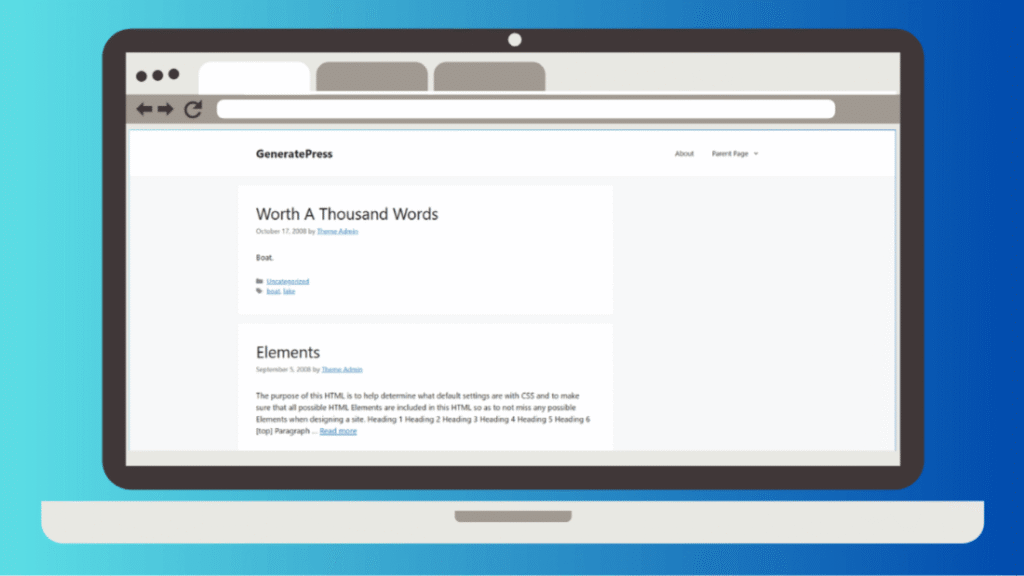
The theme that speed-focused developers keep coming back to, and the one with the least marketing noise around it.
GeneratePress has been maintained by Tom Usborne for over a decade with a consistent update record and no significant security incidents. Its core is famously small, in the region of 30 KB, and it ships almost no JavaScript by default. In benchmark after benchmark it lands at or near the top, and unlike some competitors it does so without needing performance settings toggled on.
What you get. The free version is a clean, capable base with layout, typography, and color controls in the Customizer. Premium unlocks the Elements module, which is the real reason people pay: it lets you build custom headers, footers, hooks, and conditional layouts without touching a template file. Elements has a reputation for being unusually stable, which matters when you are relying on it for site-wide structure.
The companion plugin. GenerateBlocks is effectively required to get the full value. It extends the block editor with container, grid, headline, and button blocks that output clean markup instead of the div soup a page builder produces. Budget for it separately.
Price. Free core. Premium around $59 per year, usable across a large number of sites, with a lifetime option in the $249 range.
Performance. Consistently at or near the top of independent speed comparisons, with a core in the region of 30 KB and almost no JavaScript loaded by default. It reaches those numbers with nothing toggled on, which is not true of every theme here.
Where it frustrates you. GeneratePress does not hold your hand. There is no lavish onboarding wizard and the starter site library is smaller and plainer than Astra’s. If you want to open a theme and have a finished-looking site twenty minutes later, this is the wrong pick. If you want a stable foundation you will not outgrow, it is the right one.
Best for. Blogs, affiliate sites, and anyone who intends to keep the site for years and cares more about maintainability than about the demo looking impressive on day one.
Where to get it. GeneratePress by Tom Usborne | WordPress.org listing
2. Kadence
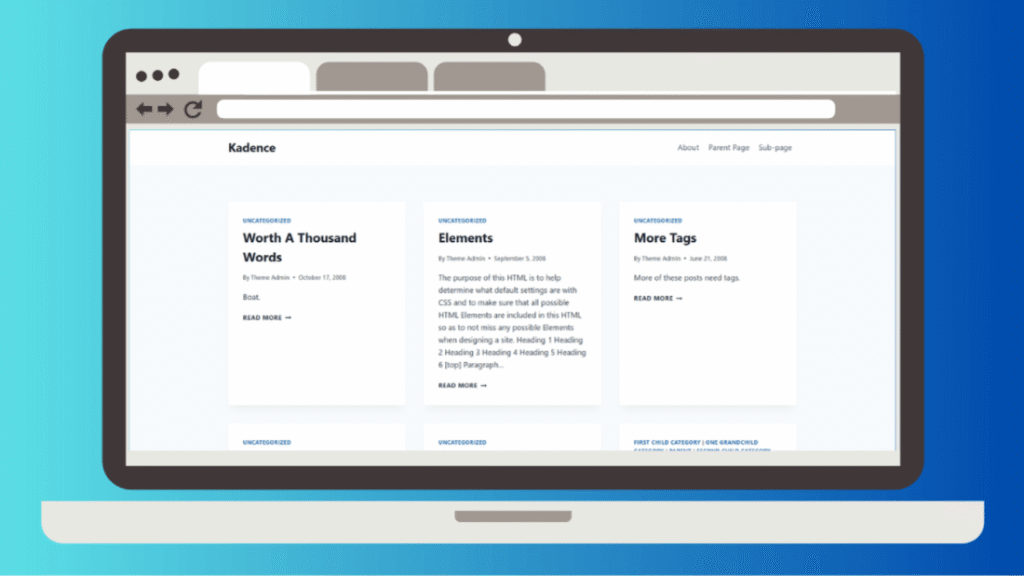
The most feature-complete free theme in this group, and the one that gives away the most before asking for money.
Kadence was among the first themes to ship a genuine drag-and-drop header and footer builder, and it made that builder free rather than gating it behind a license. Competitors followed. Kadence still has the better implementation.
What you get. Granular controls that other themes charge for or simply do not have: per-post-type blog layout settings, author boxes, an updated-on date option, a global color palette, and deep WooCommerce styling from the Customizer. The free version alone is enough to run a real site indefinitely.
Performance. Sits in the same tier as GeneratePress and Astra in most tests, marginally heavier than GeneratePress on comparable starter templates. The gap is small enough that it should not decide your choice.
Price. Free core. Paid bundles run roughly $99 for the theme kit, around $169 for the plus bundle that adds Kadence Blocks Pro and the creative kit, and near $299 for everything. Pricing has shifted more than once, so check current figures before committing.
Where it frustrates you. The full bundle is expensive relative to GeneratePress, and you are buying into an ecosystem. Kadence Blocks, Kadence Shop Kit, and the starter templates all reinforce each other, which is efficient while you stay and painful when you leave.
Best for. Site owners who want a professional result without learning a builder, and small stores that would otherwise buy three separate WooCommerce plugins.
Where to get it. Kadence WP | WordPress.org listing
3. Astra

The most widely installed theme in this group, with over a million active installations and by far the largest starter template library.
What you get. Somewhere north of 180 starter templates, many of them genuinely well designed, and the ability to import them for the block editor, Elementor, or Beaver Builder. That last point is the strategic advantage: an agency can standardize on Astra and still satisfy clients who insist on a particular builder.
Performance. Excellent when paired with the block editor. Independent testing has repeatedly found Astra with Gutenberg to be among the lightest configurations available. Pair it with Elementor and the payload grows substantially, which is a page builder problem rather than an Astra problem, but it is your problem either way.
Price. Free core with a large free template selection. Paid tiers scale up to a lifetime option around $499.
Where it frustrates you. Astra has attracted persistent criticism from performance specialists over database autoloads and the weight of some companion plugins, particularly the Elementor addon suite. There have also been recurring complaints about upsell aggressiveness and billing practices. None of this makes Astra a bad theme, and its user reviews remain strong, but you should go in knowing the objections exist rather than discovering them later.
Best for. Agencies and freelancers who build many sites quickly and need a large library plus builder flexibility.
Where to get it. Astra by Brainstorm Force | WordPress.org listing
4. Blocksy
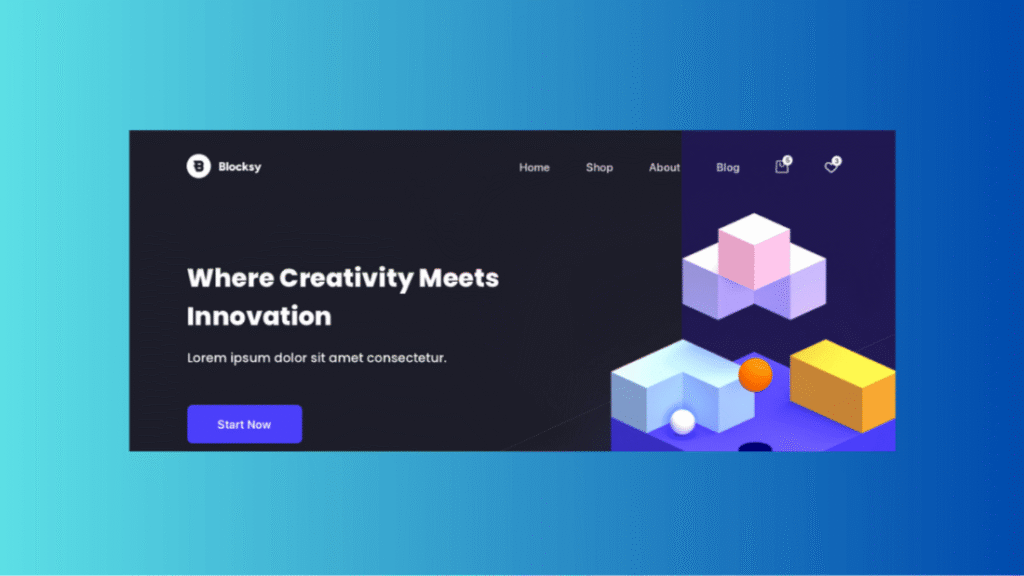
The newest of the major lightweight themes and the one that gives away the most sophisticated free feature set.
What you get. A drag-and-drop header builder, sticky header support, local Google Fonts hosting, five distinct post layouts assignable per post, and full WooCommerce compatibility, most of it available without paying. Local font hosting alone is a feature several competitors put behind a paywall, and it has direct privacy and performance implications.
Performance. Consistently benchmarks alongside GeneratePress and Astra at the top of the lightweight group. It was built after the block editor existed, which shows in how naturally it works with blocks rather than around them.
Price. Free core. Pro starts around $69 per year for personal use, with an agency tier near $149 per year covering unlimited sites, which undercuts most competitors at that level.
Where it frustrates you. A smaller community than Astra or GeneratePress means fewer tutorials, fewer Stack Overflow answers, and fewer third-party child themes. When you hit an unusual problem at 11pm, that gap is real.
Best for. People who want maximum capability per dollar and do not mind being slightly off the beaten path.
Where to get it. Blocksy by CreativeThemes | WordPress.org listing
5. Neve

Themeisle’s flagship, built around getting a small business site live fast.
What you get. A genuinely quick setup, mobile-first layouts, and one-click starter sites covering common business categories. There is also Neve FSE, a separate block-theme version for people who want to work entirely in the Site Editor.
Performance. Light, commonly cited in the sub-40 KB range for its core, and a regular presence near the top of free-theme speed comparisons.
Price. Free core with paid tiers for advanced header and footer options, custom layouts, and WooCommerce features.
Where it frustrates you. Neve is quick to set up partly because it does not offer as much depth. Reviewers repeatedly describe hitting its design ceiling faster than with Kadence or Blocksy. For a five-page business site that is fine. For something you plan to grow into a large content operation, you may outgrow it.
Best for. Small business sites, service pages, and anyone who values launching this week over configuring for a month.
Where to get it. Neve by Themeisle | WordPress.org listing
6. OceanWP
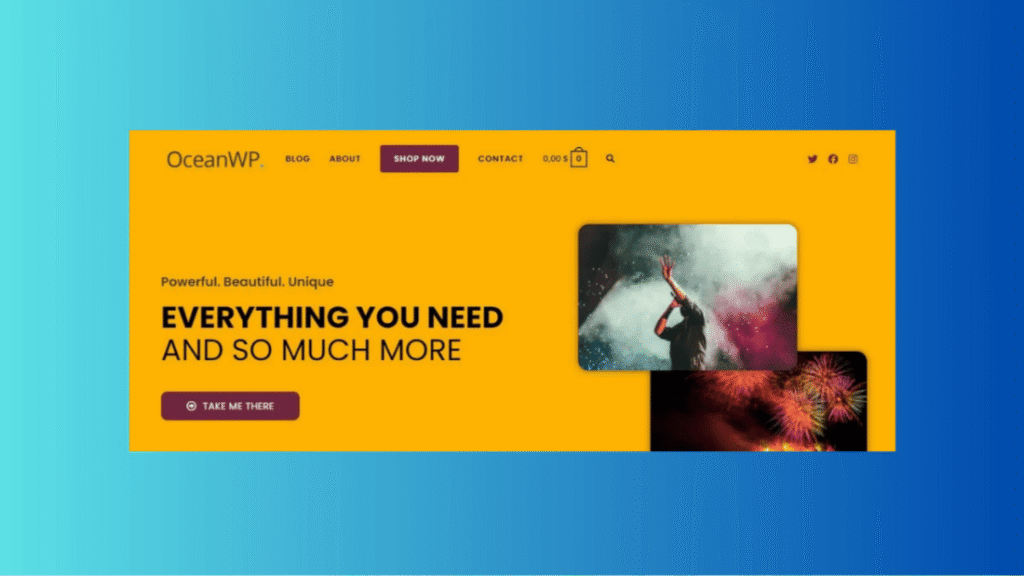
The multipurpose theme that tries to cover everything, with around 700,000 active installations suggesting it mostly succeeds.
What you get. Unusually generous free controls, including per-page layout overrides, which is a feature most themes reserve for paid tiers. Its WooCommerce styling is a genuine strength, with quick view, an off-canvas cart, and floating cart options available without heavy plugin stacking.
Performance. Respectable but not class-leading. OceanWP carries more built-in functionality than GeneratePress or Blocksy, and the payload reflects it. Whether that is a cost or a saving depends on whether you would have installed plugins to replicate those features anyway.
Price. Free core with paid extension bundles.
Where it frustrates you. The option count is genuinely overwhelming. Setup takes noticeably longer than with simpler themes, and the settings are spread across enough panels that finding a specific control becomes a search exercise.
Best for. WooCommerce stores on a budget, and users who actively enjoy configuration rather than tolerating it.
Where to get it. OceanWP | WordPress.org listing
7. Sydney
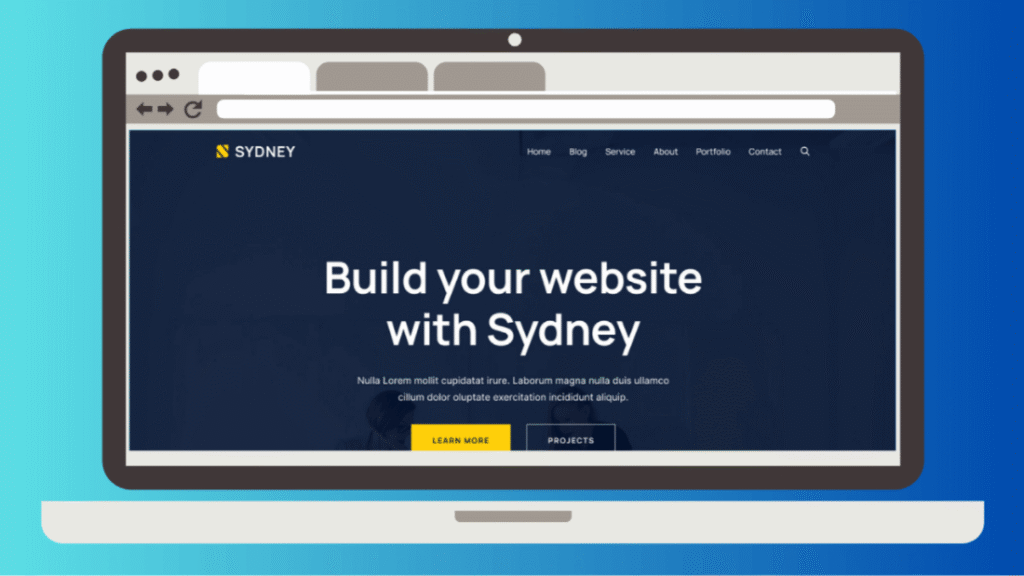
A free theme that looks paid, aimed squarely at freelancers, agencies, and consultants.
What you get. Full-screen hero headers, bold typography, and a set of front-page blocks covering services, employees, testimonials, clients, and facts that you arrange without writing code. The corporate-professional look is the point, and it lands.
Performance. Fast, and frequently grouped with the leaders in speed comparisons despite shipping more visual design than the minimalist themes above it.
Price. Free core, paid upgrade available.
Where it frustrates you. The design has a strong opinion. That is exactly why beginners like it and exactly why it constrains you if your brand does not fit the confident-agency aesthetic it was built around.
Best for. Freelancers and small agencies who need a credible business site without a budget or a designer.
Where to get it. Sydney by aThemes | WordPress.org listing
8. Hello Elementor
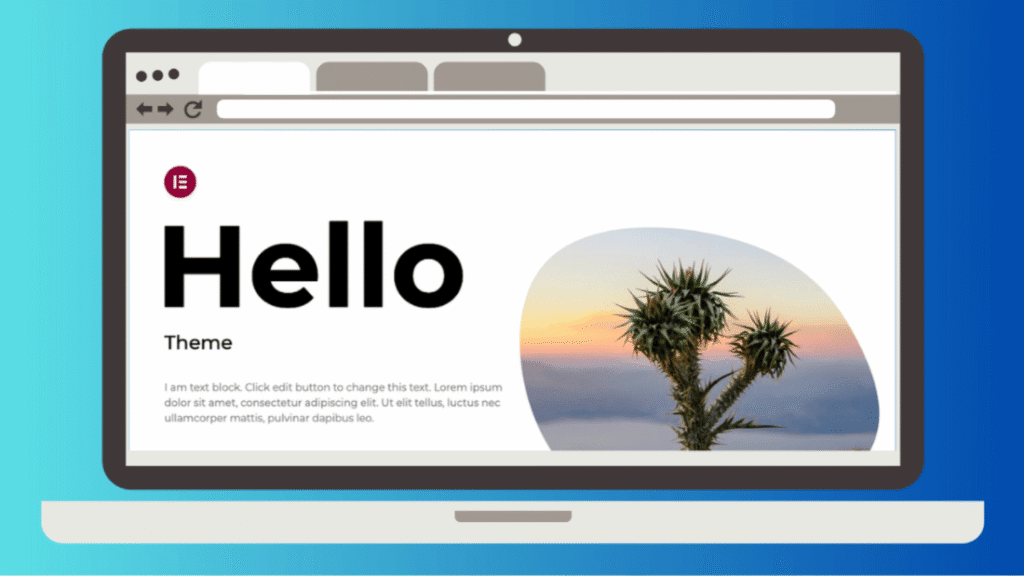
Barely a theme, which is the entire point.
What you get. A near-blank canvas with almost no styling and almost no assets, designed to be a neutral base under Elementor. Out of the box it is one of the fastest things you can install, with one 2026 test recording a perfect PageSpeed mobile score and a load time around 324 milliseconds.
The honest caveat. That number describes an empty theme rendering nothing. The moment you build with Elementor on top of it, the picture changes. Tom Dupuis documented exactly this: importing a basic Elementor layout onto Hello took it from minimal to typical Elementor weight, with the CSS, JavaScript, and nested div wrappers that implies. Elementor’s own experiments and asset-loading optimizations help, but they do not close the gap to a block-based setup.
Price. Free. Elementor Pro is sold separately and is not technically required, though most users of this theme buy it.
Performance. Fastest thing on this page when it is empty, and unremarkable once you build on it. The caveat above is the whole story.
Where it frustrates you. You are not choosing a theme here, you are choosing Elementor. That means accepting the builder’s markup, its performance profile, and its lock-in. Rebuilding an Elementor site on a different system means rebuilding every page.
Best for. People already committed to Elementor. If you are not, this theme has nothing to offer you on its own.
Where to get it. Hello Elementor on WordPress.org | Elementor
Block Themes Built for Full Site Editing
Block themes let you edit headers, footers, and every template from the Site Editor without a page builder. They ship less JavaScript because they are not carrying a builder’s runtime, and they stay compatible with core updates because they are built the way core expects.
The category was rough in 2022 and is not rough anymore. If you are starting a site in 2026 with no existing investment in a builder, this is where to look first.
9. Twenty Twenty-Five

The current WordPress default, and now the default for longer than any recent predecessor since no 2026 successor was made.
What you get. A deliberately understated block theme with a broad set of style variations and pattern options, designed to demonstrate what the Site Editor can do. It ships with WordPress, it is maintained by the core team, and it will never conflict with a core update because it is developed alongside them.
Performance. Light by construction. No builder runtime, no framework, no bundled plugin dependencies.
Price. Free, and already installed on your site.
Where it frustrates you. Default themes are teaching tools first and products second. Support means community forums. There is no starter site library, no onboarding wizard, and no company whose revenue depends on your success with it.
Best for. Learning full site editing without committing to anyone’s ecosystem, and for sites where longevity matters more than design ambition.
Where to get it. Twenty Twenty-Five on WordPress.org
10. Ollie
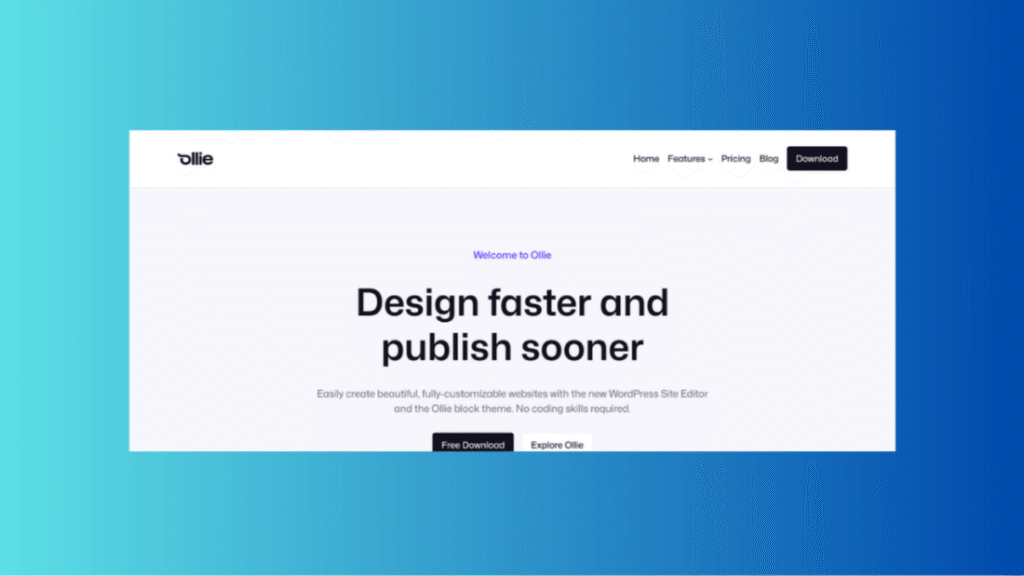
The block theme most often named when people ask which one actually shows off what full site editing can do.
What you get. More than 50 pattern designs, seven full-page pattern layouts, and a design system built on Global Styles that keeps everything visually coherent when you mix patterns. There is a setup wizard, which is unusual for a free block theme and removes most of the initial confusion.
The pro tier. Ollie Pro adds hundreds more layouts plus editor extensions covering responsive controls per breakpoint, entrance and scroll animations, hover effects, custom CSS, and a sync feature that applies styling changes across matching blocks at once. These are the controls people usually leave core WordPress to get.
Price. Free core theme on WordPress.org. Pro starts around $69.
Performance. Light by construction. There is no builder runtime, no jQuery, and no framework, and the developer states it scores top marks on PageSpeed Insights.
Where it frustrates you. It is a young product from a small team. The design language is opinionated and modern, which is great if it matches your taste and limiting if it does not.
Best for. Anyone building with blocks who wants the result to look designed rather than assembled.
Where to get it. Ollie by OllieWP | WordPress.org listing
11. Spectra One

Brainstorm Force’s block theme, from the same company behind Astra.
What you get. Around 50 design patterns, seven full-page layouts, and 21 prebuilt style variations, with most patterns oriented toward business and portfolio use: pricing tables, team grids, testimonials, service sections. Layouts are built to move visitors toward an action rather than just to look attractive.
Performance. Loads only the CSS and JavaScript a given page needs, which is standard practice for well-built block themes and still not universal.
Price. Free, with a pro tier around $79 per year for a single site.
Where it frustrates you. It pairs with the company’s Spectra plugin, and while you are not forced to install it, the theme is clearly designed assuming you will. If you are coming from Astra expecting familiar settings, be warned that Spectra One is built on entirely different foundations and your Astra configuration does not transfer.
Best for. Service businesses and portfolios that want a conversion-oriented block theme without building patterns from scratch.
Where to get it. Spectra One on WordPress.org | Brainstorm Force
12. Ona
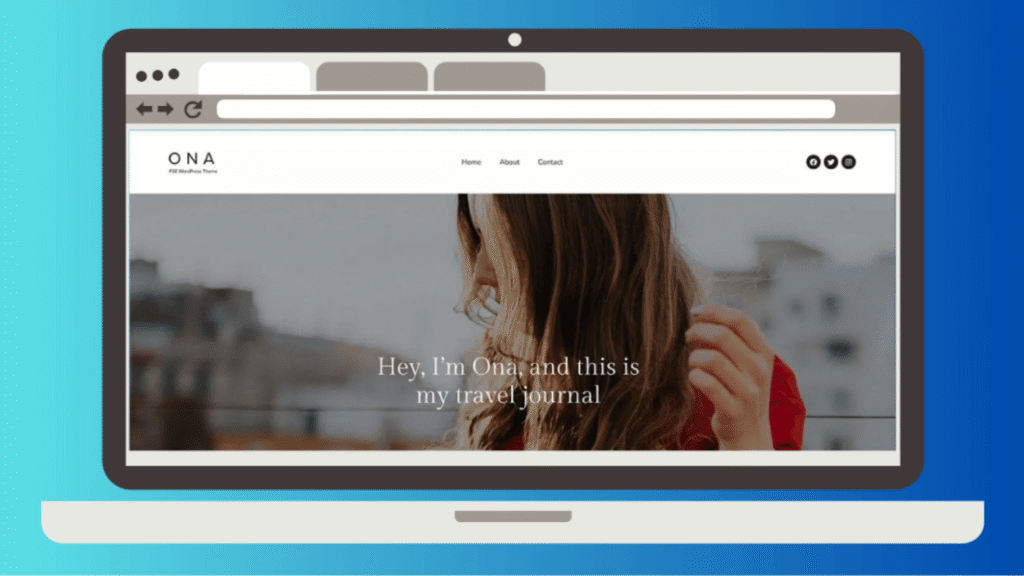
The most complete block theme on this list for anyone who needs WooCommerce and full site editing in the same package.
What you get. The free version ships more than 66 block patterns, with the pro version passing 145. It also includes 14 child themes, each targeting a specific niche, which is an unusual amount of pre-built variation for a block theme. WooCommerce coverage extends to product page patterns, shop layouts, and cart styling rather than stopping at basic compatibility.
Performance. Built with loading speed as a stated priority, and it appears near the top of block theme speed comparisons.
Price. Free core with a paid pro tier.
Where it frustrates you. The pattern and child theme count is a strength that becomes a decision cost. Fourteen child themes means fourteen starting points to evaluate before you begin.
Best for. Stores and multipurpose sites that want to stay entirely inside the block editor.
Where to get it. Ona by DeoThemes | WordPress.org listing
13. Neve FSE

Themeisle’s block theme, distinct from the classic Neve rather than an update to it.
What you get. Full site editing with custom blocks and layout options layered on top, keeping the lightweight profile Neve is known for. It is a reasonable landing spot if you like how Themeisle builds things but want to work in the Site Editor.
Price. Free core, paid tier available.
Performance. Keeps the lightweight profile classic Neve is known for, with the added benefit of carrying no Customizer-era overhead.
Where it frustrates you. Running two parallel products under one brand name causes real confusion. Documentation, tutorials, and support threads for Neve frequently do not apply to Neve FSE, and it is not always obvious which one a given article is describing.
Best for. Existing Neve users moving to block-based workflows.
Where to get it. Themeisle | WordPress.org listing
14. Frost
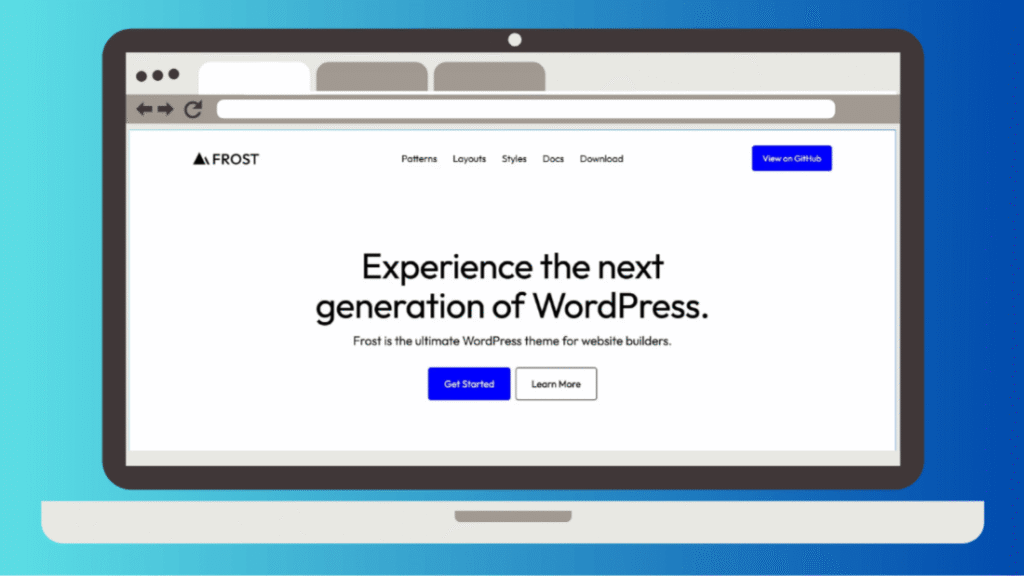
A minimal block theme from the same developer behind Ollie, built earlier and with a narrower remit.
What you get. A stripped-back starting point for people who want to build their own design system on top of a clean theme.json rather than adapt someone else’s patterns. It has been widely used as a base for custom block theme development.
Price. Free.
Performance. As light as a block theme gets, because there is almost nothing in it. Your payload is whatever you build on top, which is exactly the point.
Where it frustrates you. Minimal means minimal. If you are not comfortable working directly with Global Styles and building layouts from base blocks, you will find it empty rather than clean.
Best for. Developers building a custom block theme who want a sane starting point instead of an empty directory.
Where to get it. Frost by FrostWP | WordPress.org listing
Themes for Blogs, News, and Magazines
Publishing sites have needs the general-purpose themes above do not cover well: multi-author bylines, category-driven front pages, ad slot management, and layouts that stay readable when you have four thousand posts instead of forty.
Fair warning before this section. Magazine themes are the heaviest category on this page. Their entire value proposition is density, and density costs kilobytes.
15. Newspack
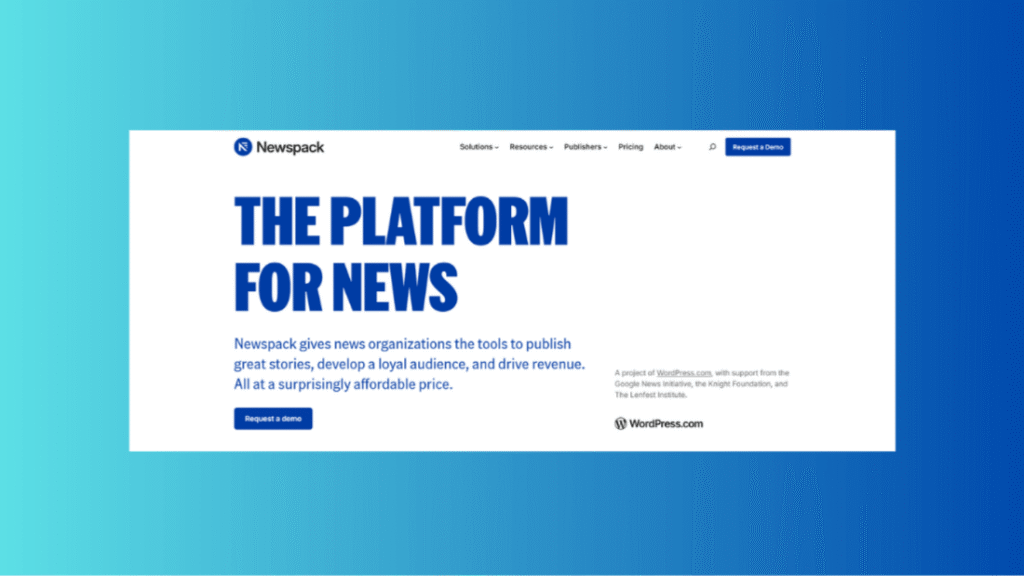
Built by Automattic specifically for small and mid-sized news publishers, and the most serious option here if you are running actual journalism.
What you get. A publishing stack rather than a theme: reader revenue tooling, newsletter integration, donation and subscription flows, and editorial layouts built around how newsrooms actually work. It assumes you have a revenue model beyond display ads.
Performance. Heavier than a general-purpose block theme, because it carries membership, donation, and newsletter tooling. That weight replaces four or five plugins you would otherwise install.
Price. Free and open source. Newspack itself is delivered as a hosted service with tiered pricing aimed at publishing organizations rather than sold as a one-off theme.
Where it frustrates you. It is opinionated to the point of being prescriptive, and it is aimed at organizations rather than individuals. A solo blogger will find most of it irrelevant.
Best for. Independent news sites and local publishers with a membership or donation model.
Where to get it. Newspack by Automattic
16. Soledad
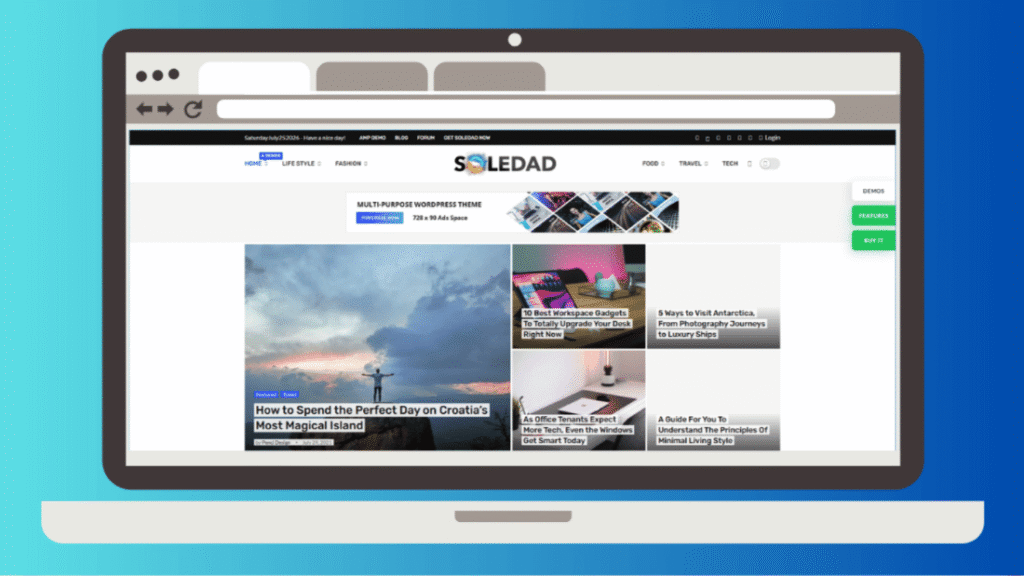
The largest magazine theme on ThemeForest by almost any measure, and the definition of maximalism.
What you get. More than a thousand slider and blog layout combinations, hundreds of importable demos, over 600 Customizer options, dark mode, WooCommerce integration, and AI-assisted writing tools aimed at high-volume publishers.
Price. Standard ThemeForest pricing, typically around $59 for a regular license.
Performance. The heaviest theme in the heaviest category on this page. Treat the marketing claims about AMP delivering multiples of speed as marketing rather than measurement.
Where it frustrates you. Six hundred options is not a feature, it is a tax on your attention. Themes this large are also harder to keep fast, and the marketing claims around AMP-driven speed multiples should be treated as marketing rather than measurement.
Best for. Publishers running several distinct magazine properties who want one license and maximum layout variety.
Where to get it. Soledad by PenciDesign on ThemeForest
17. SmartMag
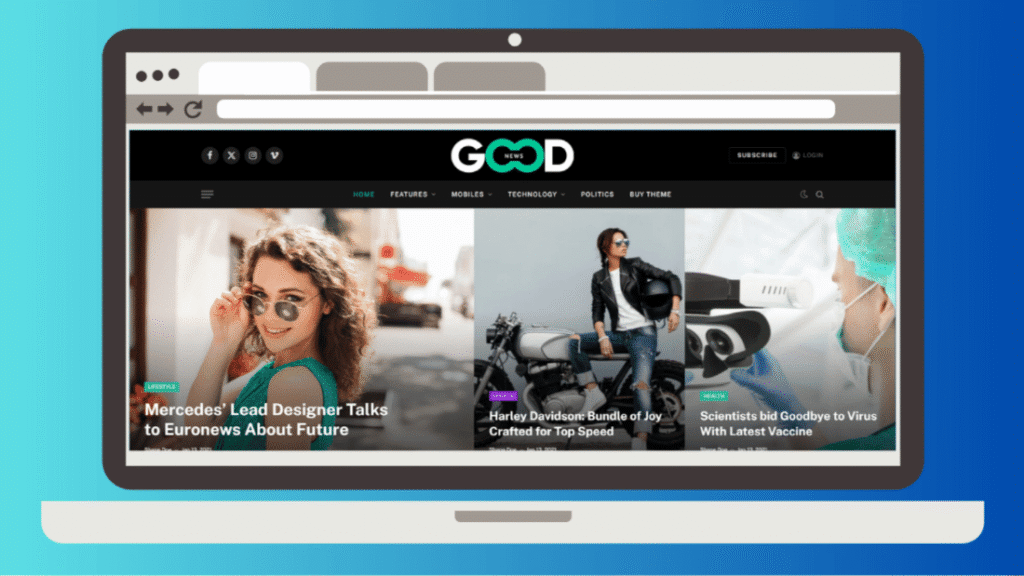
A more restrained magazine theme than Soledad, with more attention paid to performance.
What you get. Over 50 news, magazine, and blog layouts with one-click import, a sticky menu, dark mode, responsive images, and stated Core Web Vitals optimization. Design work happens through Elementor, which is either convenient or a dealbreaker depending on your view of builders.
Price. Around $59 per license.
Performance. Better than most magazine themes and still bounded by Elementor’s payload. Core Web Vitals optimization is a stated design goal here rather than an accident, which is more than most competitors claim.
Where it frustrates you. The Elementor dependency means inheriting Elementor’s payload. A magazine theme built on a page builder will not match a block-based setup on raw performance, whatever the sales page says.
Best for. Editorial sites that want magazine density without Soledad’s option overload.
Where to get it. SmartMag by ThemeSphere on ThemeForest
18. JNews
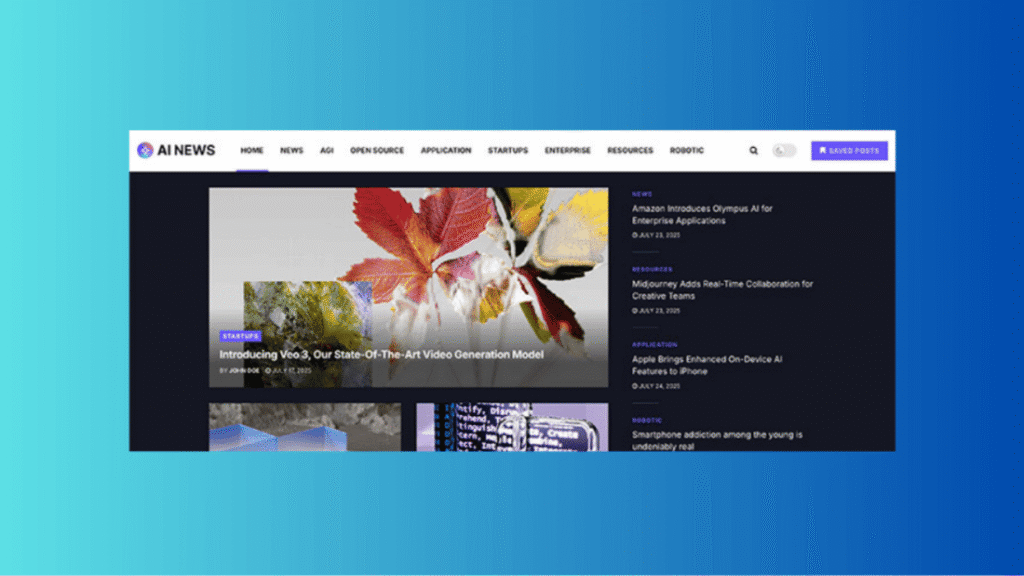
The most feature-complete publishing theme here, to the point of overlapping with things you would normally buy plugins for.
What you get. Over 100 homepage layout combinations, a built-in visual editor so you do not strictly need a third-party builder, a single post layout builder, video stories, custom galleries, a review system, social login, like and dislike buttons, and schema markup. There is also Pay Writer, a module for managing contributor payments, which is genuinely unusual and genuinely useful for multi-author sites.
Monetization. Ad placement management and AdSense support are built in rather than bolted on, which saves a plugin and a lot of template editing.
Performance. Ships JSON-LD structured data and supports both AMP and Facebook Instant Articles, and the developer targets Core Web Vitals explicitly. It is still a very large theme and behaves like one.
Price. ThemeForest regular license, priced per website. If you run more than one publication, licensing cost compounds faster here than with any other theme on this list.
Where it frustrates you. The feature list is the problem. A theme this large is slow to learn, slow to configure, and difficult to migrate away from because so much of your site’s functionality lives inside it rather than in portable plugins.
Best for. Multi-author publications that want editorial tooling, contributor payments, and ad management in one purchase.
Where to get it. JNews by jegtheme on ThemeForest
19. Jannah

A magazine theme that took block editor support seriously earlier than most of its competitors.
What you get. Magazine and news layouts available as blocks, which means you can assemble a functional publication front page inside Gutenberg rather than through a separate builder interface. Strong social integration and community features.
Performance. Mid-weight. Lighter than JNews or Newspaper, heavier than any block theme on this page.
Price. ThemeForest regular license, per site, with lifetime updates included.
Where it frustrates you. It sits between two worlds. It is not as lean as a true block theme and not as feature-dense as JNews, which makes it a compromise rather than a category winner.
Best for. Publications that want magazine layouts without leaving the block editor entirely.
Where to get it. Jannah by TieLabs on ThemeForest
20. Newspaper
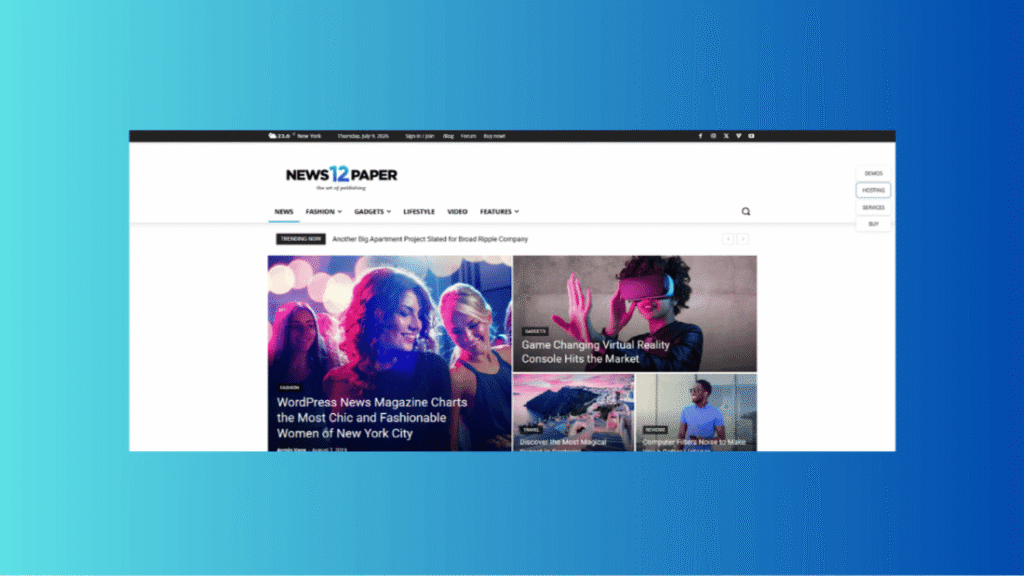
tagDiv’s long-running heavyweight, aimed at large media operations with complex advertising requirements.
What you get. Granular layout control through tagDiv’s own composer, extensive ad operation support, and the data architecture to handle high-volume multi-author publishing without falling over.
Performance. tagDiv hosts its Cloud Library on its own servers rather than shipping 1,300 templates inside the theme files, and elements load only when imported. That helps. The theme is still built for density and carries the weight that implies.
Price. Sold on ThemeForest per site. tagDiv also sells directly from its own website, and reviewers consistently note the licensing terms there are better than the marketplace’s.
Where it frustrates you. Deep lock-in. Content built with tagDiv’s composer does not travel, and the theme’s scale means every customization decision has consequences elsewhere. This is a commitment, not a purchase.
Best for. Established media sites with an ad operations team and no plans to migrate.
Where to get it. Newspaper by tagDiv on ThemeForest
WooCommerce Themes
Stores have a harder problem than blogs. Product pages, category filtering, cart, and checkout all have to work, and a theme that merely tolerates WooCommerce will cost you conversions in ways you will struggle to diagnose.
One useful rule before the list: match the theme to your catalog size, not to its popularity ranking. A store with thirty products and a store with three thousand need different things.
21. Storefront
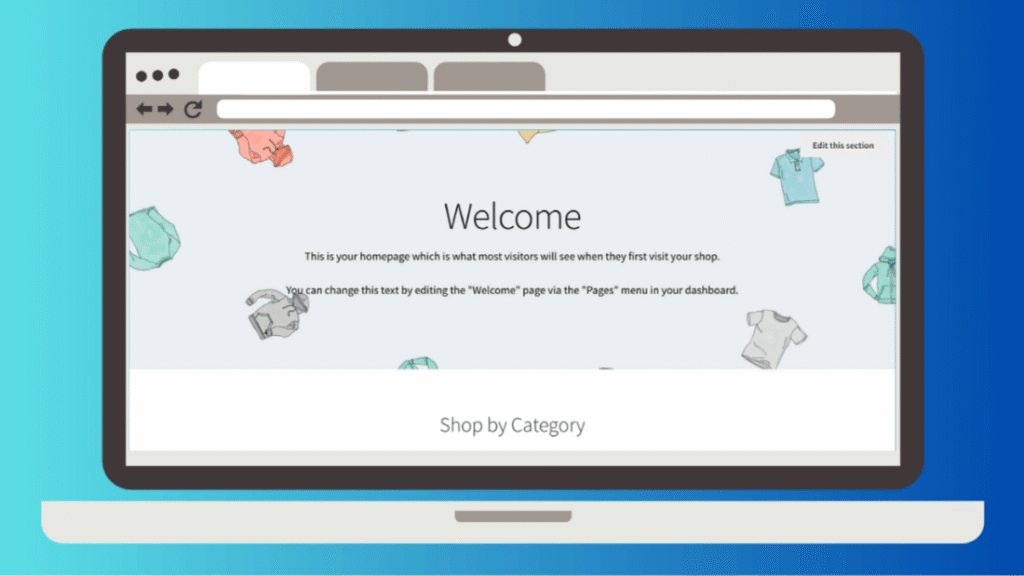
Built by the WooCommerce team, which makes it the safest compatibility bet available.
What you get. A deliberately plain store that works correctly. Every WooCommerce update is tested against it by definition, and its hook system makes it straightforward for a developer to extend without fighting the theme.
Price. Free. The Storefront Powerpack extension is paid.
Performance. Light, because it does very little. It is one of the leanest starting points available for a store, and every kilobyte after that is a choice you made.
Where it frustrates you. It is visually unremarkable and unapologetic about it. Customizing beyond colors and basic layout means either writing code or buying extensions, and you can end up spending more in add-ons than a good premium theme would have cost.
Best for. Stores where compatibility and predictability outrank design, and developers who plan to build on top of it.
Where to get it. Storefront by WooCommerce | WordPress.org listing
22. Botiga

aThemes’ WooCommerce theme, and the best-looking free option in this section.
What you get. A modern minimalist storefront with a persistent cart in the header, quick view, product promotion areas, and offer and discount blocks. Several of these are features other themes reserve for their pro tiers.
Performance. Light, and regularly grouped with the fastest themes in comparisons despite shipping a polished design library.
Price. Free core, paid upgrade available.
Where it frustrates you. It suits small and mid-sized catalogs. It does not have the advanced filtering, comparison, or B2B tooling a large catalog store needs, and no amount of configuration will add it.
Best for. New stores with a curated product range that want to look established without paying for it.
Where to get it. Botiga by aThemes | WordPress.org listing
23. Woostify
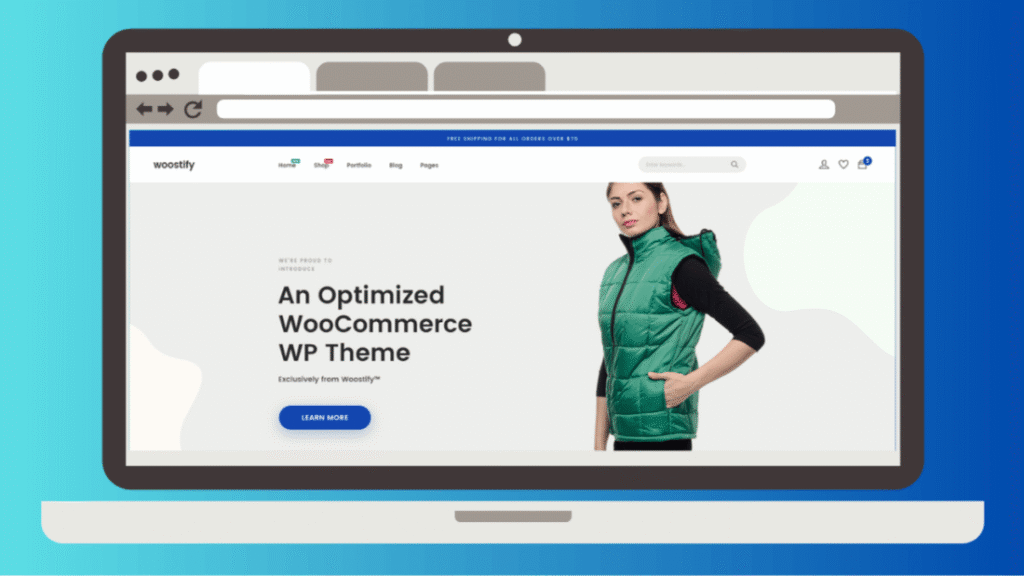
A lightweight WooCommerce theme that sits between Storefront’s plainness and the premium themes’ complexity.
What you get. A speed-focused base with the store features you would otherwise install plugins for, available at low or no cost. It is frequently named alongside Botiga as the sensible freemium choice.
Performance. Built to stay lean, and consistently described as one of the lighter WooCommerce-first options available.
Price. Free core, with Pro starting around $69 per year.
Where it frustrates you. A smaller community and thinner documentation than the ThemeForest heavyweights, which shows when you need help with something unusual.
Best for. Budget-conscious stores that want speed without Storefront’s design limitations.
Where to get it. Woostify | WordPress.org listing
24. Shoptimizer

The only theme on this list built primarily around conversion rate rather than design or flexibility.
What you get. A distraction-free checkout, trust badges, sale countdown timers, and product page layouts designed from conversion research rather than aesthetics. On the technical side it generates critical CSS automatically and minifies its own stylesheet, which is unusual for a theme to handle itself.
Performance. One 2026 comparison placed it at the top of its WooCommerce test group with an average performance score of 97 percent, ahead of Astra, Blocksy, Flatsome, and WoodMart in that particular test.
Price. Premium only, with a regular price around $99. CommerceGurus runs frequent promotional pricing at roughly half that, and the CommerceKit conversion plugin is bundled rather than sold separately.
Where it frustrates you. Users consistently report that customization is awkward. The theme has strong opinions about how a store should convert, and deviating from those opinions is harder than it should be. It is also premium-only.
Best for. Small-catalog stores with a marketing budget, where a two percent conversion improvement pays for the theme many times over.
Where to get it. Shoptimizer by CommerceGurus
25. Flatsome

One of the best-selling WooCommerce themes ever made, and still a default recommendation years after launch.
What you get. UX Builder, a native drag-and-drop builder tuned for stores rather than a general page builder retrofitted for commerce. Banners, sliders, product grids, and headers are all built in, so you avoid stacking external builder plugins. Typography control through Google Fonts, parallax effects, and lazy loading are included.
Performance. Good for a theme of its scope. One testing round recorded a standard demo store loading in roughly 0.9 seconds on optimized hosting, helped by a lightweight CSS and JavaScript framework and image lazy loading.
Price. Around $59 with six months of support included.
Where it frustrates you. Its ubiquity is now a criticism. Some reviewers describe it as the outdated default choice, and its age shows against newer competitors in design language. UX Builder content is also proprietary, so leaving Flatsome means rebuilding.
Best for. General stores that want one purchase covering theme and builder, with a large support community behind it.
Where to get it. Flatsome by UX Themes
26. WoodMart
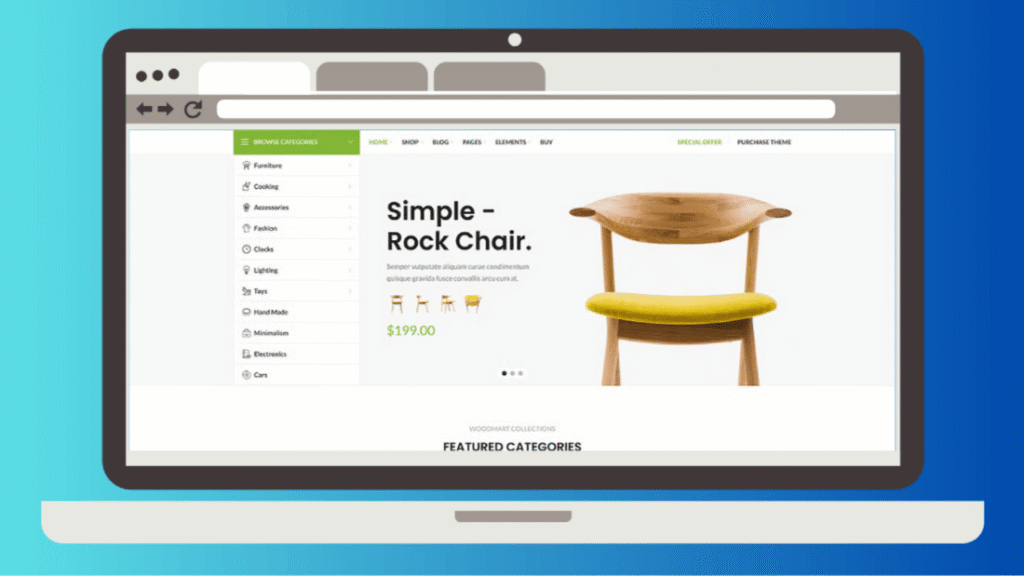
The theme for stores whose problem is catalog size rather than design.
What you get. Deep WooCommerce functionality that competitors leave to plugins: product comparison, brand filtering, color swatches, and AJAX loading so browsing additional products does not require full page reloads. It supports the Dokan and WCFM marketplace plugins, so multi-vendor sites are viable. Fifteen homepage layouts ship with it, and it works with both Elementor and WPBakery.
Performance. Heavier than the lightweight themes, as the feature depth requires. AJAX loading offsets part of that by avoiding full page reloads while customers browse.
Price. ThemeForest regular license, per site.
Where it frustrates you. Heavier than the lightweight options, and the feature depth means a longer setup. Like Flatsome, it is widely enough used that your store risks looking like everyone else’s.
Best for. Large catalogs, marketplaces, and stores where filtering and comparison genuinely affect whether people buy.
Where to get it. WoodMart by Xtemos
27. Porto

The B2B and enterprise option, aimed at stores with requirements most themes never consider.
What you get. Templates for B2B pricing structures, multi-vendor arrangements, and large catalogs, covering functionality that would otherwise require three or four paid plugins.
Performance. Substantial. This is the heaviest WooCommerce theme here, which is the direct cost of the B2B and multi-vendor capability.
Price. ThemeForest regular license, per site. Expensive relative to the freemium options, and justified only if you actually need the B2B tooling.
Where it frustrates you. Substantial weight and a learning curve to match. This is overkill for a store with a hundred products, and buying it early means paying complexity costs for capability you will not use.
Best for. Stores with a thousand or more products, wholesale pricing tiers, or multi-vendor requirements.
Where to get it. Porto by P-Themes
Page Builder Themes and Frameworks
These are not really themes. They are design environments that happen to ship with a theme, and choosing one is choosing a way of working for the next several years.
The trade-off is consistent across all three. You gain design freedom that block themes cannot match. You accept lock-in, because content built in a proprietary builder does not survive leaving it.
28. Divi 5
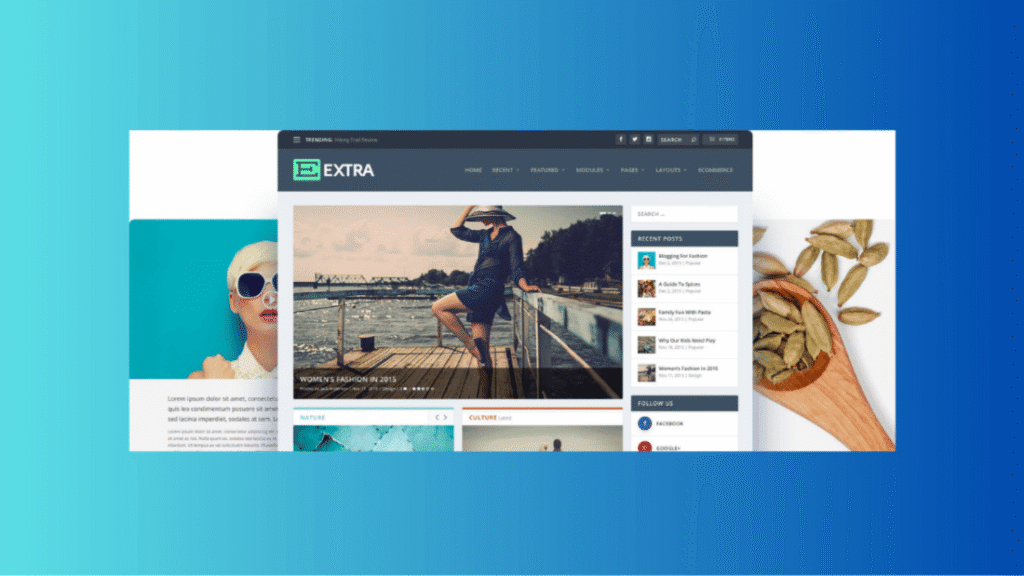
The most-used premium WordPress theme in the world, on roughly 3.8 million sites, and the subject of the biggest single change in this year’s theme landscape.
What changed. Divi 5 launched on February 26, 2026 after more than a year of public beta. Elegant Themes rebuilt the builder on a React foundation and eliminated the shortcode system that had defined Divi since 2013, adopting an approach closer to how Gutenberg works.
Performance. Per Elegant Themes, the JavaScript bundle fell from 276 KB to 45 KB, an 84 percent reduction, with server processing 40 to 80 percent lighter and pages loading two to four times faster than Divi 4. The rendering model now scopes CSS per module rather than loading all module styles globally, which directly reduces unused CSS on any given page.
What you get. Over 1,100 layouts across 150-plus packs with new ones added regularly, customizable breakpoints, a Command Center for power users, speculative prerendering so the builder loads almost instantly, and lifetime pricing rather than a perpetual subscription.
Price. Lifetime licensing is available rather than a perpetual subscription, which is a large part of the appeal against competitors. Annual plans exist as well.
Where it frustrates you. If you depend heavily on third-party Divi plugins, the rewrite may have broken them, and the practical advice through most of 2026 has been to stay on Divi 4 until your extensions catch up. Migration from Divi 4 needs a staging environment and real testing, not a click. And Bricks still produces cleaner raw HTML if that is your priority.
Best for. Agencies handing sites to non-technical clients, and anyone who wants visual design freedom without writing CSS.
Where to get it. Divi by Elegant Themes
29. Avada
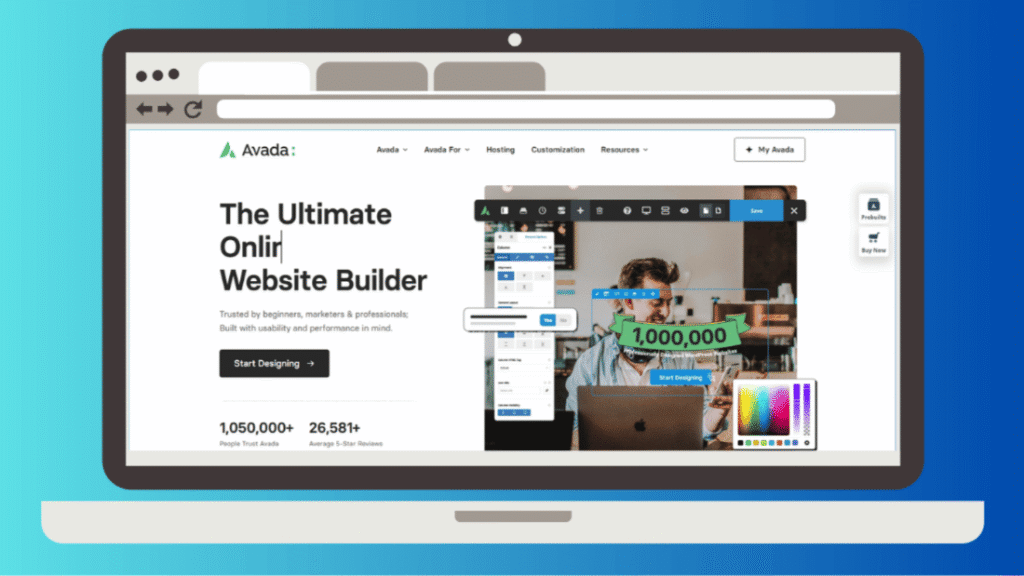
The original all-in-one multipurpose theme and still the best-selling theme in ThemeForest’s history.
What you get. A complete builder suite rather than a single tool: live visual builder, layout builder, header builder, footer builder, and form builder, plus a demo library with design quality that many reviewers rate above Divi’s.
Performance. Better than its reputation. One 2026 test recorded a 2.3 second fully loaded time and an 87 mobile score, which is respectable for a theme of this scope, and another placed it at the top of a WooCommerce performance comparison.
Price. ThemeForest regular license, per site, with lifetime updates.
Where it frustrates you. Avada is a lot. Reviewers consistently describe it as a full toolkit that takes real time to understand, and beginners rarely feel comfortable in it quickly. Divi 5’s rewrite also erased Avada’s former performance advantage.
Best for. Professionals who need one theme to handle every client type and are willing to invest in learning it properly.
Where to get it. Avada by ThemeFusion
30. Bricks

The developer’s choice, and the theme that spent two years making the performance argument that eventually forced Divi to rebuild itself.
What you get. A builder that outputs minimal, clean HTML with no framework bloat and no unused CSS carried along for the ride. Scoring above 95 on PageSpeed Insights requires little optimization work, which is not true of any other builder here. It interacts directly with the WordPress database in ways that suit developers building custom functionality.
Price. Lifetime licensing, which is part of the appeal against subscription-based competitors.
Performance. The performance leader among the builders on this page. Clean HTML output, no framework bloat, and minimal unused CSS, which is why the high scores arrive without optimization work.
Where it frustrates you. A real learning curve, and lock-in that is arguably worse than the alternatives because Bricks does not use standard WordPress blocks. Leaving means rebuilding every page from nothing. The ecosystem of layouts and child themes is also much smaller than Divi’s or Avada’s.
Best for. Developers comfortable with HTML and CSS who want maximum control and minimum output weight.
Where to get it. Bricks Builder
Choosing Between Thirty Options
Thirty is too many to hold in your head. Here is how to reduce it to two or three in about a minute.
| If you are building | Start with | Also consider |
|---|---|---|
| A blog or affiliate site | GeneratePress | Kadence, Blocksy |
| A small business site, fast | Neve | Sydney, Astra |
| Client sites at volume | Astra | Divi 5, Kadence |
| Your first block-based site | Ollie | Twenty Twenty-Five, Spectra One |
| A small store | Botiga | Storefront, Woostify |
| A conversion-focused store | Shoptimizer | Flatsome |
| A large catalog or marketplace | WoodMart | Porto, Flatsome |
| A magazine or news site | SmartMag | JNews, Soledad |
| An independent news outlet | Newspack | Jannah |
| Custom work as a developer | Bricks | GeneratePress, Frost |
Two decisions matter more than which name you land on.
Decide about page builders first. Choosing Elementor, Divi, or Bricks is a bigger commitment than choosing a theme, because builder content does not transfer. If you are undecided, default to the block editor. It is where WordPress is going and it is the only option with no exit cost.
Then decide how much you will actually customize. Most people overestimate this. If you will pick colors, upload a logo, and then write for three years, a lightweight theme with a starter template will serve you better than a builder you use twice and then forget how to operate. Spend the saved effort on your plugin stack instead, which affects your site daily in ways your theme does not.
Switching Themes Without Breaking Your Site
Your posts and pages survive a theme change. Almost nothing else is guaranteed to.
Test on staging, never on the live site
Most decent hosts offer one-click staging. Use it. Activating a new theme on a live site and discovering the problems in production is an entirely avoidable category of bad day.
Take a full backup before activating anything
Files and database, both. A theme switch touches widget arrangements, menu locations, Customizer settings, and any shortcodes the old theme provided.
Inventory what the old theme was doing for you
Before you switch, list every feature you rely on that came from the theme rather than a plugin. Shortcodes, custom post types, portfolio sections, and testimonial widgets are common examples. Each one that vanishes needs a replacement plan, and finding out after the fact means a broken site while you improvise.
Watch Search Console for the following month
A new theme changes your HTML structure, your heading hierarchy, and possibly your internal linking. If you have not connected your site yet, add it to Google Search Console first and check for crawl errors and Core Web Vitals changes over the weeks after switching.
Re-check your speed baseline
Run PageSpeed Insights on the same three pages before and after. Same pages, same tool, same time of day. That comparison tells you something. Comparing your result to a number in a review does not.
Frequently Asked Questions
Is there a Twenty Twenty-Six theme?
No, and there will not be. WordPress skipped its annual default theme for both the 6.9 and 7.0 releases, the first break in the pattern since 2018. Twenty Twenty-Five remains the current default. A Twenty Twenty-Seven has been announced with a lead designer assigned and contributors being recruited.
Does my theme really affect Google rankings?
Indirectly, through Core Web Vitals and mobile usability. A slow or badly structured theme creates an obstacle. A fast one removes it. Neither writes your content or earns your links, so treat the theme as a foundation rather than a strategy.
Should I use a block theme or a page builder in 2026?
For a new site with no existing builder investment, start with a block theme. They load less, stay compatible with core updates by design, and carry no exit cost. Page builders still offer more visual control and larger template libraries, and Divi 5 narrowed the performance gap considerably, but the lock-in is real and permanent.
Are free WordPress themes good enough?
For most sites, yes. GeneratePress, Kadence, Astra, Blocksy, Neve, OceanWP, Botiga, and Storefront all run real websites in their free versions without artificial restrictions. Pay when you hit a specific limit you can name, not preemptively.
Which is genuinely the fastest WordPress theme?
The question does not have a single answer, which is why published benchmarks disagree so widely. GeneratePress, Astra with the block editor, Blocksy, and Kadence consistently occupy the top tier across independent tests, with the differences between them small enough to be irrelevant next to your hosting and image handling.
Will switching themes hurt my SEO?
Not if your URLs stay the same and your content survives intact. Risk comes from changed heading structures, lost internal links inside theme-generated sections, and Core Web Vitals moving the wrong way. Test on staging, then watch Search Console for a month.
Is Divi still slow?
Divi 4 was. Divi 5, released in February 2026, is a complete architectural rewrite that cut the JavaScript bundle by roughly 84 percent and now routinely scores in the 90s on mobile with normal optimization. Reviews written before 2026 are describing a product that no longer exists.
How many themes should I test before choosing?
Two or three, installed on staging with your real content and your actual plugin list. Demo sites are built to flatter the theme. Your content is what you will be looking at every day.
The Short Version
If you want the decision made for you: GeneratePress if you are building a blog and intend to keep it, Kadence if you want more built in without paying more upfront, Ollie if you are starting fresh with blocks, Botiga for a small store, and Divi 5 if you are handing sites to clients who need to edit them.
Any of those will serve you for years. So will roughly twenty of the others, in the right context.
The mistake is not picking the wrong theme from this list. It is spending three weeks comparing them instead of publishing. Pick one that fits the shape of your site, install it, and go write something.