You are ready to add something to your WordPress site, and you hit the first small fork in the road: Posts or Pages? They look nearly identical in the editor, they both hold text and images, and nothing warns you if you pick the wrong one. So most beginners guess, and many guess wrong.
The good news is that the difference is genuinely simple once someone explains it plainly, and choosing wrong is fixable. This guide covers what actually separates them, a quick test that answers the question in about five seconds, and what to do if you have already put content in the wrong place.
The Core Difference in One Sentence
Here is the whole thing, stripped down: posts are for content tied to a moment in time, pages are for content that just sits there permanently.
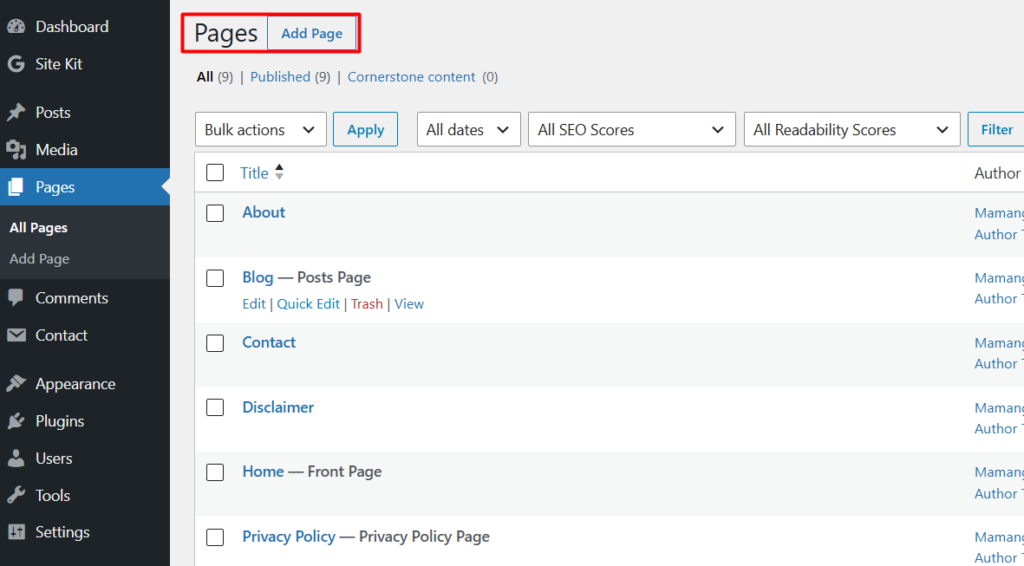
A post is an article you publish on a date, which then joins a stream of other articles, newest first. Your blog is a collection of posts. A page is a fixed part of your site’s structure that does not belong to any stream. Your About page, your Contact page, and your Privacy Policy are pages. They existed before today’s article and they will still be sitting in the same place next year.
Everything else about how they behave flows from that one difference, which is why understanding it makes the rest obvious rather than something to memorize.
What Posts Can Do That Pages Cannot
Because posts are built for a flowing stream of content, they come with features designed to organize and surface that stream.
Posts have categories and tags, which let you group related articles so readers can browse a topic. Pages have neither. Posts appear in reverse chronological order on your blog, so the newest one leads. Posts show a publication date and author by default, which matters for anything time-sensitive. Posts have comments enabled by default, inviting discussion. And posts are included in your site’s RSS feed, so subscribers get notified when you publish.
Notice that every one of those features only makes sense for content that arrives in a stream. A privacy policy does not need a category, a publication date, or a comments section.
What Pages Can Do That Posts Cannot
Pages have their own quiet advantages, built around being permanent parts of your site rather than entries in a feed.
Pages can be hierarchical, meaning one page can sit underneath another as a child page, which is useful for organizing sections with sub-sections. Posts cannot nest like this. Pages can use custom page templates from your theme, letting a particular page look completely different from the rest of your site, such as a full-width landing page with no sidebar. And pages naturally belong in your main navigation menu, which is where visitors look for the permanent parts of a site.
A useful mental image: pages are the rooms of your house, always in the same place, while posts are the newspapers that arrive each day and stack up in the corner.
The Five Second Test
Rather than memorizing feature lists, here is the question that decides it almost every time: will this content still be true and relevant a year from now, exactly as written?
If yes, it is probably a page. Your About page, your contact details, your privacy policy, and your services description all pass this test. If no, if it is an article, a tutorial, a news update, an opinion, or anything you would naturally date, it is a post.
A second question catches the remaining cases: would it feel strange for this to appear in a list of blog articles? A privacy policy showing up between two tutorials would feel wrong, which tells you it is a page. A tutorial appearing there feels perfectly natural, which tells you it is a post. Between these two questions, you will get the answer right nearly every time without thinking hard about it.
A Real Example: How This Site Is Built
Abstract rules are easier to trust with a concrete example, so here is how this very site applies them.
Every guide you read here, including this one, is a post. Each has a date, belongs to a category, and appears in the blog feed alongside the others. That is exactly what posts are for.
Meanwhile, the About page, the Contact page, the Privacy Policy, and the roadmap that helps new readers find their footing are all pages. None of them belong in a dated feed, and all of them need to sit permanently in the navigation where people expect to find them. If you are still setting up these essential pages, our guide on how to start a blog covers which ones every new site needs.
If You Already Chose Wrong
This happens constantly, and it is worth saying plainly: it is not a disaster. Plenty of beginners publish their About content as a post, or write their first tutorial as a page, and the site keeps working fine. It is just untidy, and the sooner you fix it the less there is to fix.
WordPress does not include a built-in button to convert one into the other. For a small number of items, the simplest approach is manual: create the correct type, copy your content across, publish it, and then delete the original. It takes a few minutes and gives you a chance to tidy the writing while you are there.
If you have many items to move, there are free plugins built specifically to switch content between posts and pages, which saves the copying. Whichever route you take, one honest caution: changing the content type usually changes its web address, so if anything already links to the old address, or if it was already indexed by Google, it is worth setting up a redirect from the old address to the new one. On a brand new site with no traffic yet, this rarely matters. On an established one, it does.
Does the Choice Affect Your SEO?
A question worth answering honestly, because it gets overstated in both directions. Google does not rank posts above pages or the reverse. Both are simply web pages to a search engine, and either can rank well.
What does matter is the structure each one gives you. Posts, grouped into categories and published consistently, help you build depth around a topic over time, which is how a site becomes recognized as knowledgeable in its subject. Pages give you stable, permanent destinations that other content can point to. So the choice does not affect your ranking directly, but using each correctly makes your site clearer to both readers and search engines, and clarity is what eventually helps. If you want to understand how that recognition actually works, our guide on indexing versus ranking explains the mechanics.
Keep It Simple
For a typical blog, the split is refreshingly boring. You will have a handful of pages, usually About, Contact, Privacy Policy, and perhaps one or two others, created once and rarely touched again. Everything else you ever publish will be a post.
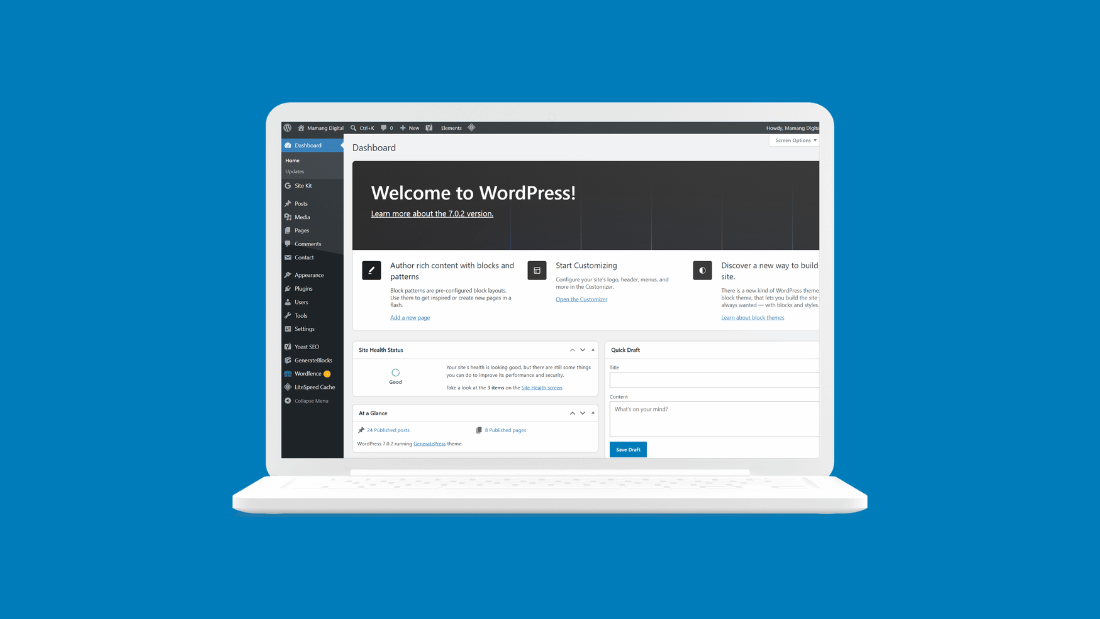
That is genuinely all there is to it. Do not overthink this decision, and do not let it slow down your writing. Run the five second test, pick one, and get back to the part that actually matters, which is publishing something worth reading. If the WordPress interface itself still feels unfamiliar, our map of the WordPress dashboard shows you which parts you will genuinely use.
Frequently Asked Questions
What is the main difference between a post and a page in WordPress?
Posts are dated content that appears in your blog feed, newest first, with categories, tags, and comments. Pages are permanent, standalone parts of your site like About or Contact, with no date or categories, and they usually sit in your main navigation menu.
Should my About page be a post or a page?
A page. Your About content stays true over time, does not belong in a dated feed, and needs to sit permanently in your navigation. The same applies to Contact, Privacy Policy, and any other foundational section of your site.
Can I convert a post into a page, or the other way around?
Not with a built-in button, but yes in practice. For one or two items, create the correct type, copy the content over, and delete the original. For many items, free plugins exist that switch content types. Be aware the web address usually changes, so set up a redirect if the old one was already linked or indexed.
Do pages or posts rank better on Google?
Neither. Google treats both as ordinary web pages and either can rank well. What helps is using each correctly: posts let you build depth on a topic over time through consistent publishing, while pages give you stable destinations. Clear structure helps your site more than the content type itself.
Can pages have categories and comments like posts?
Not by default. Pages have no categories or tags, and comments are usually turned off for them, which suits their purpose since a privacy policy rarely needs a discussion section. Pages do have their own advantage though: they can be nested as parent and child pages, which posts cannot.