You have decided to start a blog, you have a topic in mind, and now you are stuck on a single question that feels strangely huge: should you build it on Blogger or WordPress? It is one of the most common places beginners freeze, partly because most comparisons online quietly push you toward whichever option earns the writer a commission.
This guide does not sell hosting and does not earn anything from your choice, so we can give you the honest version: both platforms are good, they are built for different people, and the right answer depends entirely on what you want from your blog. By the end, you will know exactly which one fits you, without the hype.
If you have not yet read our broader guide on how to start a blog, it is worth a look first, because it covers the free versus paid decision in general. This article zooms in specifically on Blogger against WordPress, head to head.
First, What Each One Actually Is
The two platforms are built on completely different ideas, and understanding that makes the whole choice clearer.
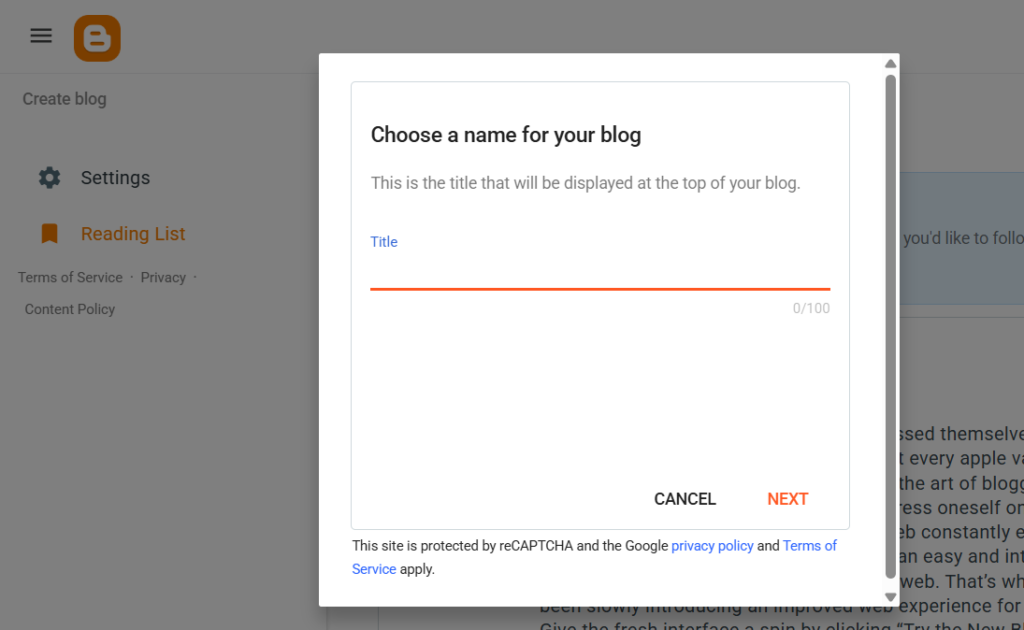
Blogger is a free blogging service owned by Google. You sign in with a Google account and you can be publishing within minutes. Google hosts everything, handles all the technical maintenance, and gives you a free web address that looks like yourblog.blogspot.com. There is nothing to install and nothing to pay. It has existed for a very long time and is genuinely simple.
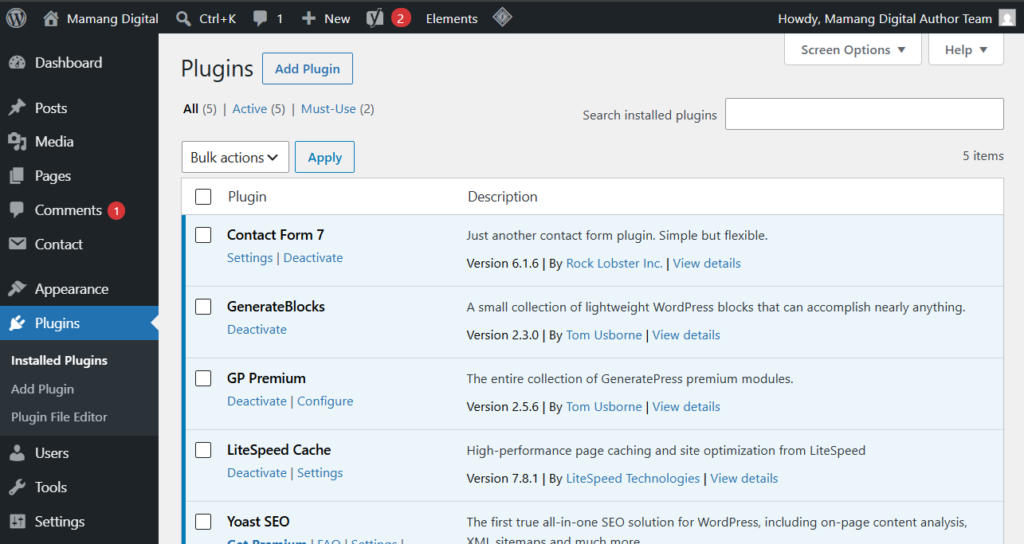
WordPress, in the sense people mean for serious blogging, is the self-hosted software from WordPress.org. It is free software you install on hosting you pay for, using your own domain name. It powers a huge portion of the entire web, from tiny blogs to major companies. You control everything, but you also set it up and maintain it. A helpful way to picture the difference: Blogger is renting a furnished apartment from Google, while WordPress is owning your own house.
Ease of Use: Where Blogger Genuinely Wins
Let us give Blogger its due, because most guides rush past this to sell you hosting. For pure, get-started-today simplicity, Blogger is easier. There is no hosting to buy, no software to install, no updates to run. You sign in, name your blog, pick a basic theme, and write. For someone who feels intimidated by anything technical, that low barrier is a real advantage, not a small one.
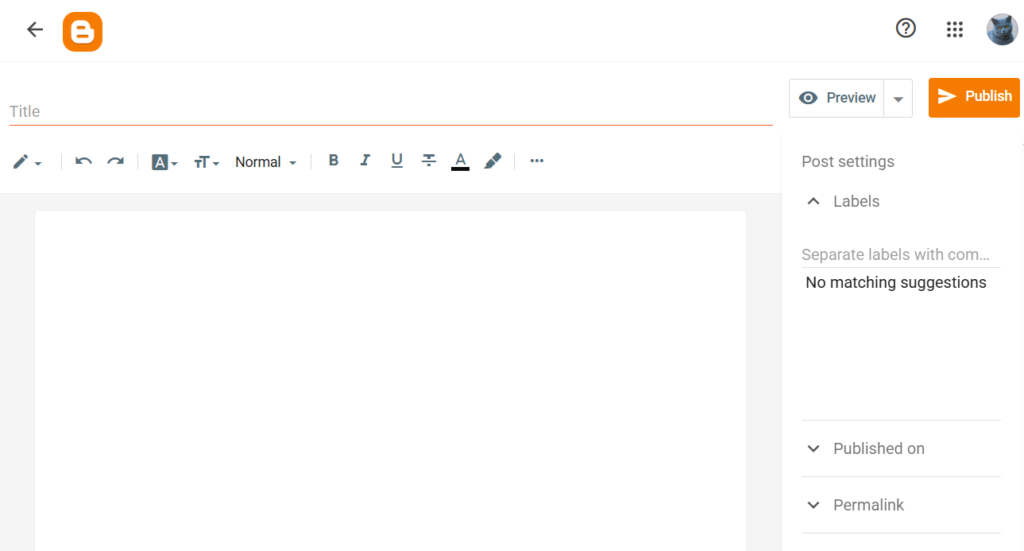
WordPress is not hard, but it does ask more of you at the start. You choose a host, install the software (usually one click), pick a theme, and learn a dashboard with more options. None of it requires coding, and most people set it up in under an hour, but there is undeniably more to take in than Blogger’s near-instant start.
So if your single biggest worry is technical overwhelm, and you just want to write something today, Blogger removes that friction almost entirely. That is a legitimate reason to choose it, and anyone who tells you otherwise is probably selling something.
Customization and Growth: Where WordPress Pulls Ahead
The picture flips completely once you think about growing. Blogger gives you a limited set of themes and basic customization. You can edit its HTML, but doing anything advanced is fiddly and not beginner-friendly, and you will eventually hit a ceiling you cannot push past.
WordPress is the opposite. There are thousands of free and paid themes, and a vast library of plugins that add almost any feature you can imagine, contact forms, galleries, shops, memberships, all installed with a few clicks and no code. As your blog grows and your needs change, WordPress grows with you. With Blogger, what you see early on is more or less what you are stuck with.
This is the heart of the decision. If your blog is a casual hobby you do not expect to expand much, Blogger’s limits may never bother you. If you imagine building something bigger over time, those same limits become a wall, and WordPress’s flexibility is exactly what you will want.
SEO: A Real Gap Between the Two
If you care about showing up in Google search, and you should, since that is how blogs get steady free traffic, this is an important section. Both platforms can rank, but they are not equal.
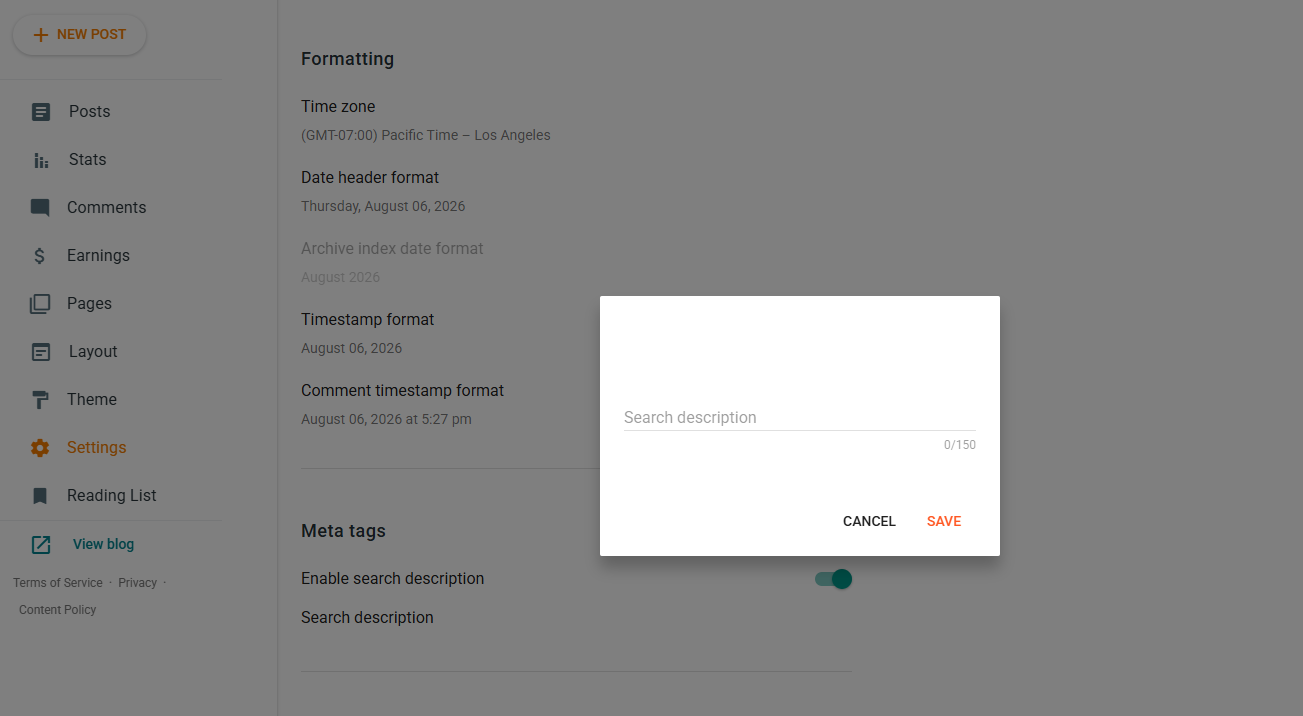
Blogger covers the basics. You can set a title, a description, and a clean web address, and because it is a Google product, it connects easily to Google’s own tools. But its control over deeper SEO details is limited, and it lacks the fine-grained options serious bloggers rely on.
WordPress is widely considered the stronger SEO platform, mainly because of free plugins like Yoast or Rank Math. These give you control over meta descriptions, sitemaps, structured data, redirects, and on-page optimization, all from a friendly interface. If you are serious about being found in search, WordPress simply hands you more and better tools. To see the kind of SEO work this enables, our guides on creating an XML sitemap and understanding robots.txt show what fuller control looks like in practice.
Monetization and AdSense: An Honest Look
This is where many beginners have a specific question, so let us be precise. If your immediate goal is Google AdSense, Blogger has one genuine convenience: being a Google product, AdSense integration is smooth and familiar, and some beginners find approval straightforward when they follow the basic rules.
But do not over-read that small edge. WordPress also works perfectly with AdSense; approval there depends on content quality and policy compliance, the same things that ultimately matter on Blogger too. And WordPress opens far more income options beyond ads: affiliate links, sponsored posts, digital products, memberships, and more, with no platform restrictions.
So the honest framing is this. If AdSense is your only near-term goal and simplicity is everything, Blogger’s tight Google integration is a mild convenience. If you might ever want multiple income streams or full control over how you earn, WordPress is clearly the more flexible long-term home.
Ownership: The Difference That Matters Most Long-Term
Here is the factor beginners rarely think about but later care about deeply: who actually owns your blog. With Blogger, your site lives on Google’s servers under Google’s terms. That is convenient, but it means your blog exists at the platform’s discretion. If rules change, or your account has a problem, your control is limited, and while you can export your posts, you can lose design, settings, and other elements.
With self-hosted WordPress, you own everything: your content, your data, your design, your domain. You can back it up, move it to a different host, or even sell the whole site. Nobody can change the rules on you, because it is genuinely yours. For a casual hobby blog this may not matter. For anything you hope to build into something lasting, owning your platform is a serious advantage worth weighing heavily.
So Which Should You Choose?
Strip away the noise and it comes down to your honest intentions, not to which platform is objectively better, because neither is. They serve different people.
Choose Blogger if you want the simplest possible free start, you see your blog as a casual hobby or a place to experiment, technical setup genuinely intimidates you, and you are not focused on building a brand or business. There is no shame in this; for the right person, Blogger is a perfectly good home.
Choose WordPress if you want room to grow, you care about strong SEO and being found, you want full control and ownership, or you imagine earning from your blog in more than one way over time. For most people who are serious about blogging as more than a passing hobby, self-hosted WordPress is the choice that will not hold you back later.
One last honest point: the platform matters less than whether you actually publish and keep going. A consistent Blogger blog beats an abandoned WordPress one every time. So make the choice that gets you writing, and remember you can migrate from Blogger to WordPress later if you outgrow it, just know that move is doable but a bit messy, which is why deciding thoughtfully now is worth a few minutes. Whichever you pick, the next step is the same: start writing, and then help people find it.
Frequently Asked Questions
Is Blogger or WordPress better for beginners?
For pure ease of starting, Blogger is simpler, with no setup or cost. But WordPress is also beginner-friendly thanks to one-click installs, and it does not limit you as you grow. If you only want a casual hobby blog, Blogger is easier; if you want room to expand, WordPress is the better long-term beginner choice.
Is Blogger really free, and is WordPress not?
Blogger is fully free, including hosting and a blogspot web address. The WordPress software is also free, but self-hosted WordPress requires paid hosting and a domain, usually a modest yearly cost. So Blogger has no cost, while WordPress trades a small expense for far more control and growth.
Which is better for AdSense?
Blogger has a slight convenience because it is a Google product, so AdSense integration is smooth. However, WordPress works fully with AdSense too, and approval on either depends on content quality and policy compliance. WordPress also supports many other income methods beyond ads, making it more flexible long-term.
Can I move from Blogger to WordPress later?
Yes. You can export your Blogger posts and import them into WordPress. The content moves over, but you may lose design, settings, and some elements, so it takes some cleanup. It is doable, which is reassuring, but starting on the platform you really want saves you the hassle.
Which is better for SEO?
WordPress is generally the stronger SEO platform, mainly because free plugins like Yoast and Rank Math give detailed control over sitemaps, meta data, structured data, and more. Blogger handles SEO basics and connects well to Google tools, but offers less depth for those serious about ranking in search.